> ## Documentation Index
> Fetch the complete documentation index at: https://clarity.rocktangle.com/docs/llms.txt
> Use this file to discover all available pages before exploring further.
# Getting started
> Install Clarity and start improving your Slack communication
Get Clarity running in your Slack workspace in under two minutes.
 ## Prerequisites
* A Slack workspace where you have admin permissions
* If you are not an admin, follow the [non-admin installation guide](/non-admin-install)
## Installation
Click the **Add to Slack** button on the [Clarity website](https://clarityapp.io). You will be redirected to Slack to authorize the app.
Review the permissions Clarity needs and click **Allow**. Clarity requires access to read messages in channels where you enable coaching so it can analyze them and suggest improvements.
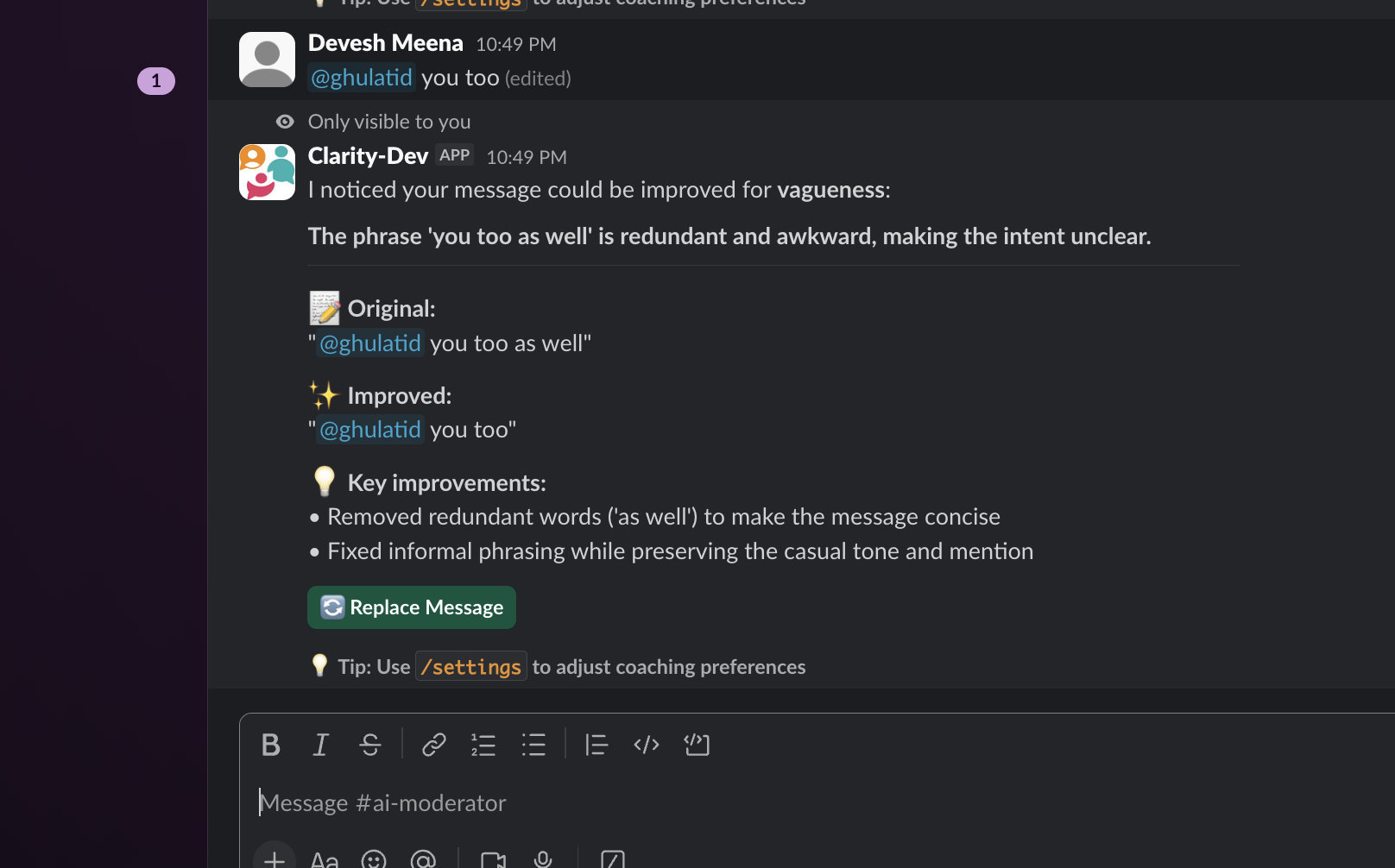
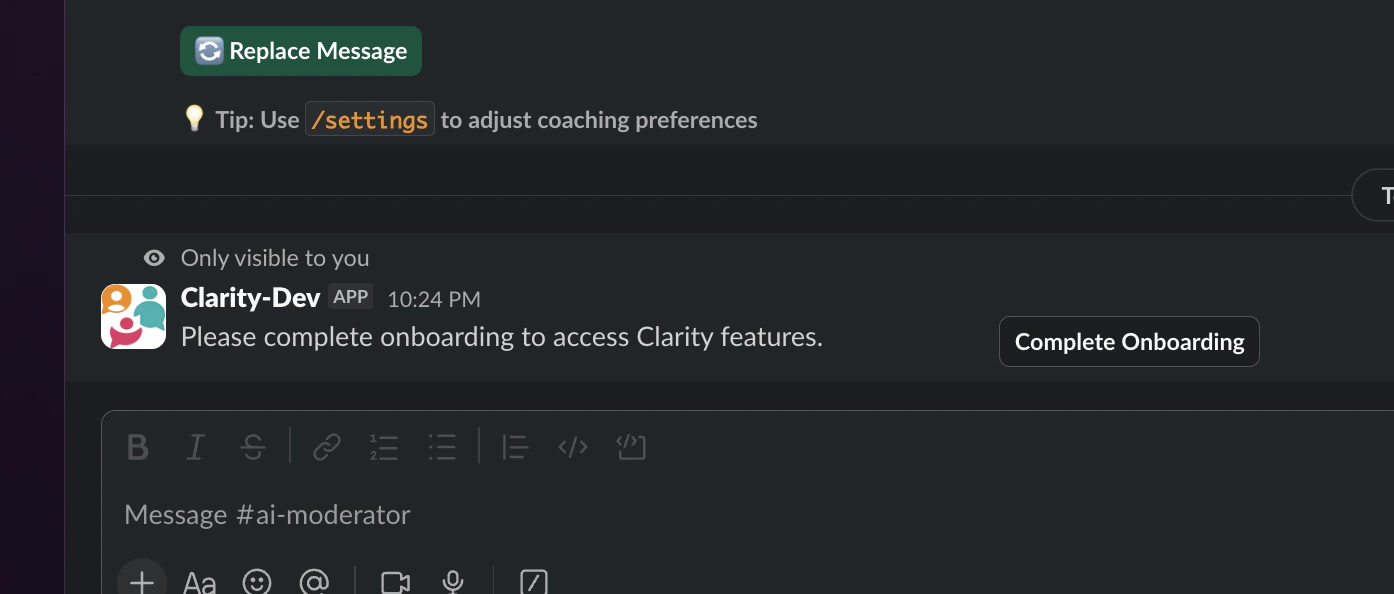
After installation, Clarity sends you a direct message in Slack. Run any `/clarity-` command to open the onboarding modal, where you select which channels to enable auto coaching in.
## Prerequisites
* A Slack workspace where you have admin permissions
* If you are not an admin, follow the [non-admin installation guide](/non-admin-install)
## Installation
Click the **Add to Slack** button on the [Clarity website](https://clarityapp.io). You will be redirected to Slack to authorize the app.
Review the permissions Clarity needs and click **Allow**. Clarity requires access to read messages in channels where you enable coaching so it can analyze them and suggest improvements.
After installation, Clarity sends you a direct message in Slack. Run any `/clarity-` command to open the onboarding modal, where you select which channels to enable auto coaching in.
 ## Your first rephrase
Try the rephrase command to see Clarity in action:
```
/clarity-rephrase I need this done ASAP its really urgent and nobody seems to care
```
Clarity analyzes your message and suggests an improved version:
> Could you please prioritize this task? It's time-sensitive and I want to make sure it's on your radar.
Click **Send** to post the improved version, or **Didn't like it** to dismiss.
The `/clarity-rephrase` response is only visible to you. Your original text is never posted.
## Next steps
All five slash commands explained.
Get suggestions automatically after you send messages.
## Your first rephrase
Try the rephrase command to see Clarity in action:
```
/clarity-rephrase I need this done ASAP its really urgent and nobody seems to care
```
Clarity analyzes your message and suggests an improved version:
> Could you please prioritize this task? It's time-sensitive and I want to make sure it's on your radar.
Click **Send** to post the improved version, or **Didn't like it** to dismiss.
The `/clarity-rephrase` response is only visible to you. Your original text is never posted.
## Next steps
All five slash commands explained.
Get suggestions automatically after you send messages.