

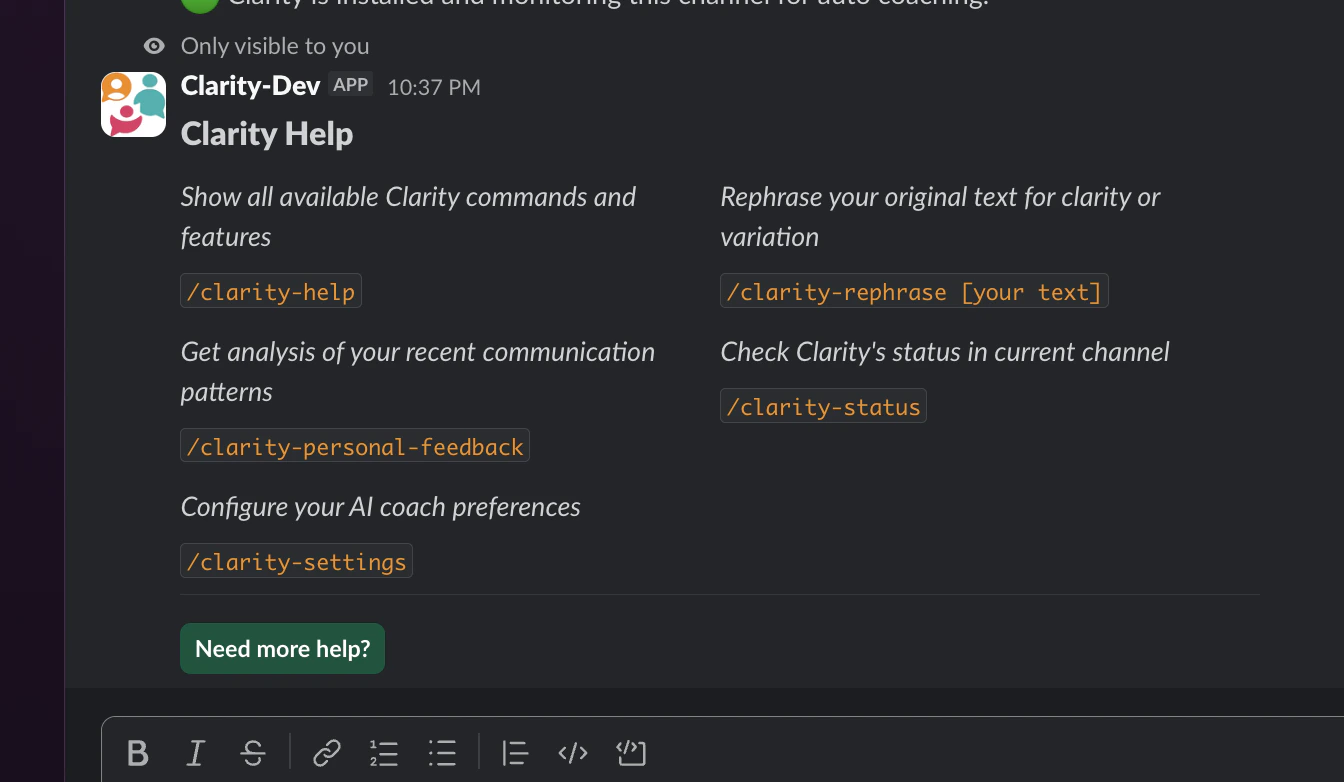
/clarity-rephrase
Rephrase a message before sending it. Clarity analyzes your text against your active coaching flags and suggests an improved version.Hi, could you help look into this bug? It’s currently blocking my work. I mentioned it earlier but wanted to follow up.You get two buttons:
- Send — posts the improved message in the channel
- Didn’t like it — dismisses the suggestion
Each use counts toward your monthly rephrase limit. Free: 50/month. Pro: 200/month.
/clarity-settings
Open the settings modal to manage your coaching preferences.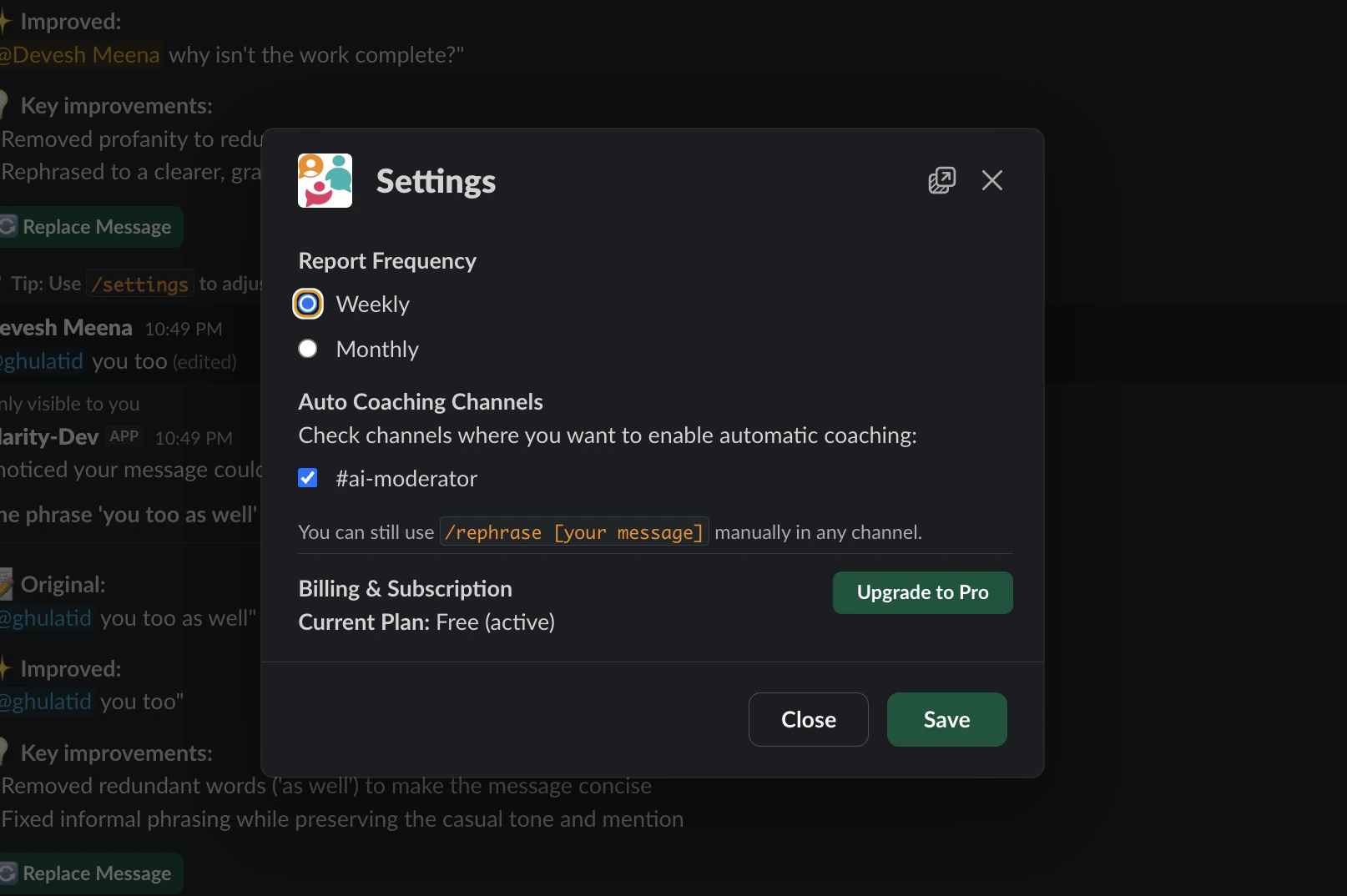
- Enable or disable individual coaching flags
- Select which channels have auto coaching enabled
- Set your target communication style
- Turn daily or weekly private digests on or off
- Create, edit, or delete custom flags (Pro)
- Access billing settings (admin only)
- Transfer admin rights (admin only)
/clarity-status
Check whether Clarity is active in the current channel and view your usage.- Whether auto coaching is enabled in the current channel
- Which coaching flags are active
- Your workspace usage for the current month