

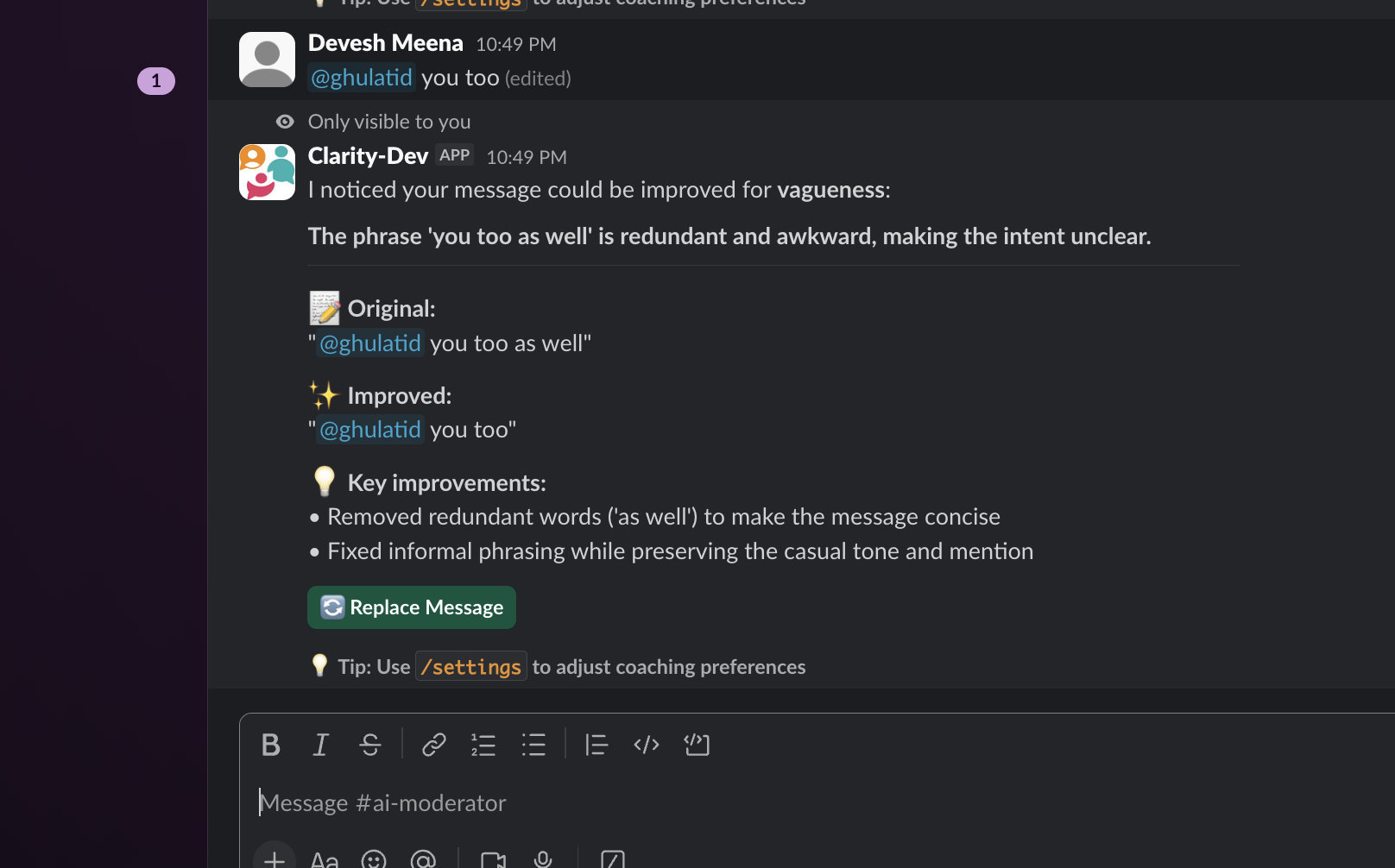
Prerequisites
- A Slack workspace where you have admin permissions
- If you are not an admin, follow the non-admin installation guide
Installation
1
Add to Slack
Click the Add to Slack button on the Clarity website. You will be redirected to Slack to authorize the app.
2
Authorize permissions
Review the permissions Clarity needs and click Allow. Clarity requires access to read messages in channels where you enable coaching so it can analyze them and suggest improvements.
3
Complete onboarding
After installation, Clarity sends you a direct message in Slack. Run any 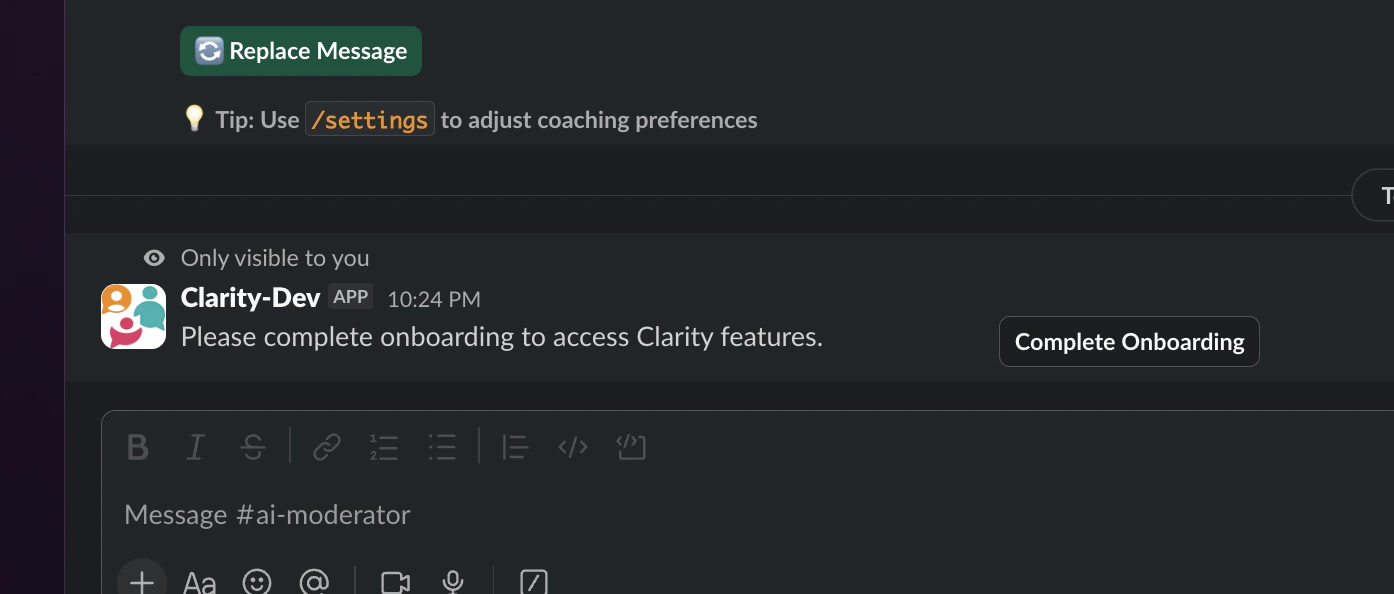
/clarity- command to open the onboarding modal, where you select which channels to enable auto coaching in.Your first rephrase
Try the rephrase command to see Clarity in action:Could you please prioritize this task? It’s time-sensitive and I want to make sure it’s on your radar.Click Send to post the improved version, or Didn’t like it to dismiss.
The
/clarity-rephrase response is only visible to you. Your original text is never posted.Next steps
Learn the commands
All five slash commands explained.
Enable auto coaching
Get suggestions automatically after you send messages.