

/clarity-settings.
Coaching flags
The settings modal shows checkboxes for each coaching flag. Check a flag to enable it, uncheck to disable. At least one flag must be enabled.Default flags
All five are enabled by default.
Custom flags (Pro)
Pro users can create custom coaching flags tailored to their communication needs. You can have up to 15 flags total (default + custom). To manage custom flags, click Edit Flags in the settings modal:- Add a flag — give it a name and describe what patterns to look for
- Edit a flag — update the name or description
- Delete a flag — remove a flag you no longer need
Custom flags are personal to you. Each person in the workspace can create their own.
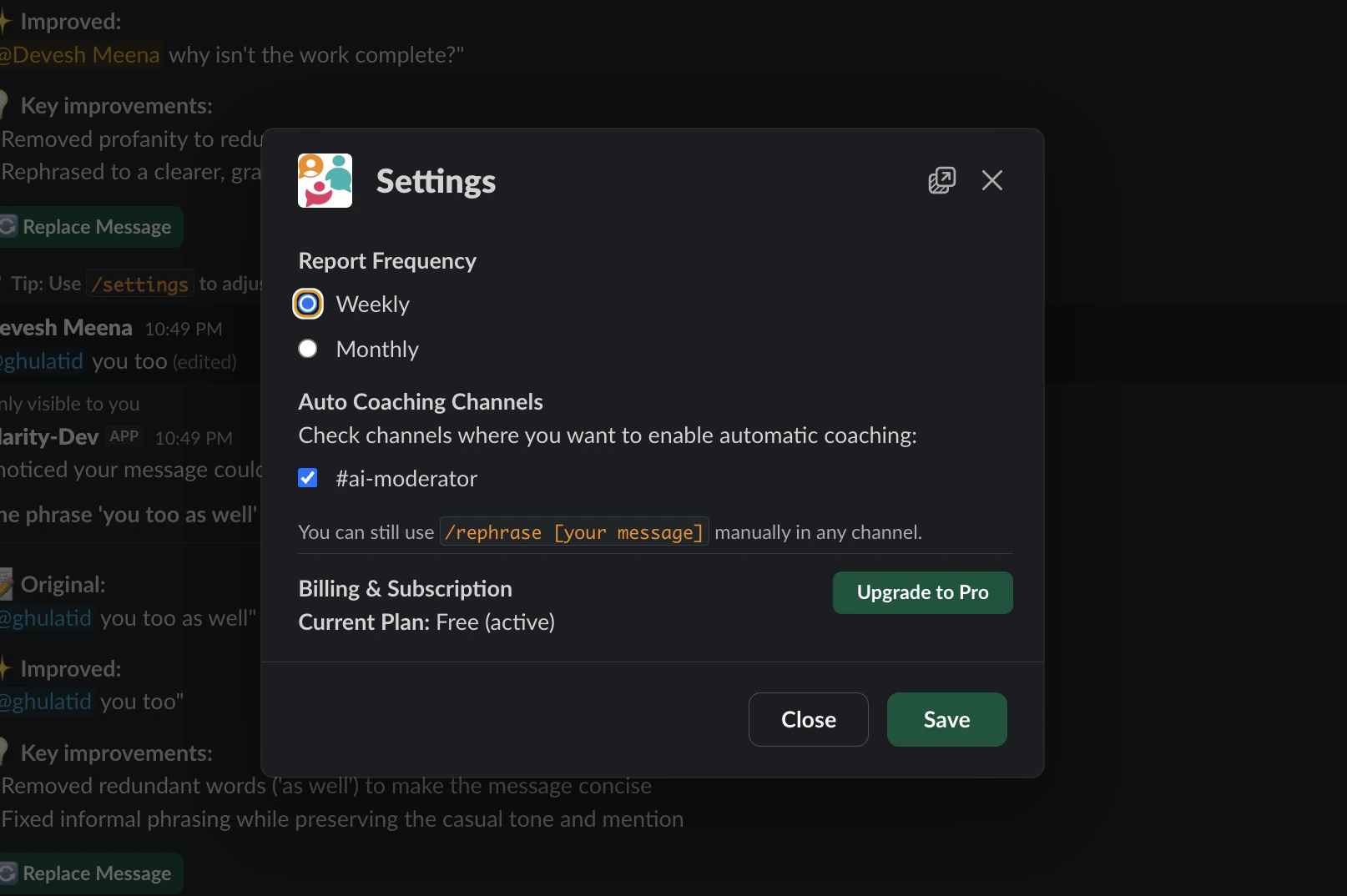
Auto coaching channels
Select which channels should have auto coaching enabled. When enabled, Clarity automatically analyzes messages you send in those channels and privately suggests improvements.Target style
Set a target communication style if you want Clarity’s rewrites and digest feedback to match a specific voice. You can start from presets like direct, warm, analytical, or concise, then edit the description in your own words. Your target style affects how Clarity rewrites flagged messages. It does not make Clarity more or less likely to flag a message.Communication digest
Choose whether Clarity should send you a private digest daily, weekly, or not at all. The digest summarizes how your recent messages came across. If you set a target style, it also shows where your actual messages matched or drifted from that style. Digest delivery currently runs around 09:00 UTC. Daily digests need at least a few tracked messages; weekly digests need more activity to produce useful feedback.Admin settings
Workspace admins see two additional sections in the settings modal.Billing
Click Manage billing to open the Stripe billing portal where you can:- View your current plan
- Upgrade to Pro ($4.99/month)
- Update payment method
- View invoices
- Cancel subscription
Only workspace admins can manage billing. If you are not an admin, ask your workspace admin to upgrade.